If your fashion or swimwear brand is running creator content on Meta right now — paid influencers, gifted product posts, affiliate UGC — there's a good chance you're doing it in a way that violates Meta's 2026 policy.
Not because you're careless. Because the old way still looks like it works. You boost a creator's post, the ROAS looks decent, and nothing catches fire. Until it does.
Here's what changed: Meta no longer treats Partnership Ads as a best practice for creator content. It's mandatory. For all of it. Every piece of creator content that involves any form of compensation — payment, gifted product, affiliate commission — must run through Meta's Partnership Ads format or it's a policy violation.
Most ecommerce brands haven't fully made the shift. This post is the fast-track.
What Meta Actually Changed (And When It Kicked In)
Partnership Ads aren't new. They used to be called Branded Content Ads, and for years they were positioned as the "right" way to run influencer content — something you should do, not something you had to.
That changed in 2026.
Meta's updated ad policy now states that all influencer and creator content that promotes a brand — whether through a paid partnership, gifted product, affiliate commission, or any other form of compensation — must use Meta's Partnership Ads format. Not "should." Must.
The enforcement is real. Meta has tightened both its automated detection and its appeals process for branded content violations. Brands running creator content through their own ad accounts — without using the Partnership Ads format — are getting flagged, having posts removed, and in repeat cases, facing ad account restrictions.
The other thing that changed: Meta rebranded and upgraded the old Branded Content Ads interface into the Partnership Ads Hub — a centralized dashboard inside Meta Business Suite that shows all your creator relationships, recent content, and pending permissions. If you haven't opened it yet, that's step one.
What Counts as "Creator Content" Under This Rule
This is where a lot of brands assume they're in the clear when they're not. The policy is broader than "influencer campaigns."
Under Meta's current rules, you need to use the Partnership Ads format for:
→ Paid influencer content — Any creator you're paying to produce and/or post content featuring your product
→ Gifted product posts — You sent free product. They posted about it. If you want to boost that post or amplify it as an ad, Partnership Ads format is required
→ Affiliate commission content — Your affiliate created content promoting your brand and is earning commission on sales. Same rule applies.
→ Commissioned UGC you're amplifying — You hired someone to create video or photo content, and now you're running it as an ad. If it was created by a real person and features or implies their endorsement, this falls under the policy.
The gray area most brands get wrong: organic reposts vs. paid amplification. If a creator posted organically about your brand with zero compensation, you cannot boost that post as a paid ad from your account — that would require them to grant you Partnership Ads access. But if you're using their likeness or footage in your own ad creative (separate from their post), that's a different workflow — and you likely need a usage rights agreement regardless.
When in doubt: if a human created it and you're paying Meta to show it to more people, use Partnership Ads.
The 90-Day Rolling Window (And Why Your Consent Pipeline Matters)
Here's the operational problem that trips up fashion and swimwear brands specifically.
The Partnership Ads Hub shows content from the last 90 days only. Posts, stories, and reels that your creator partners shared more than 90 days ago don't appear in the Hub. You can't boost what the Hub can't see.
For evergreen brands, this is a mild inconvenience. For seasonal brands, it's a structural problem.
Say you worked with five swimwear creators in January and February for early-season content. Great content. High-performing hooks. By April, those posts are outside the 90-day window. You can't run them as Partnership Ads anymore — they're gone from the Hub.
The fix isn't complicated, but it requires building a consent pipeline instead of handling permissions deal by deal:
- Creators need to maintain active partnership permissions with your Meta Business account (not just a one-time grant)
- You need fresh content from creators within your actual campaign windows
- Your creator brief calendar needs to map to your paid media calendar — creator shoots need to happen close enough to launch that the content stays inside the 90-day window
Most brands handle creator permissions manually — a DM here, an email there. That works when you have two creators. It breaks down when you have eight and you're trying to run a coordinated June push.
How to Set It Up — The Actual Steps
If you haven't fully set up the Partnership Ads workflow yet, here's what it looks like from end to end:
Step 1: Creator account requirements
The creator needs a Professional account on Instagram (Business or Creator account type). On Facebook, they need a Facebook Page. Personal accounts can't participate in Partnership Ads.
Step 2: Permission grant
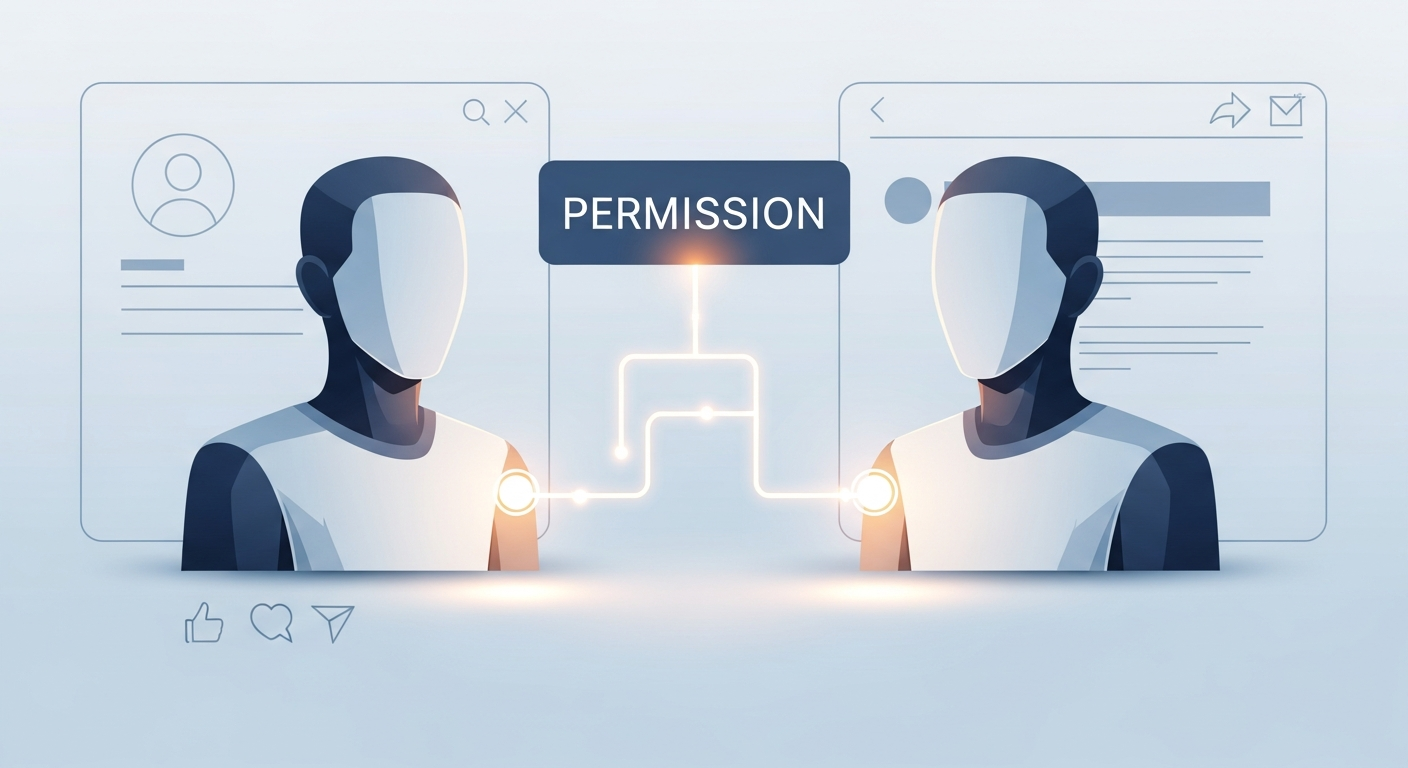
The creator goes to their Instagram account settings (or Meta Business Suite) and enables branded content partnership permissions for your brand. They search for your account, toggle on permissions. This takes about two minutes once they know where to look.
Step 3: Partnership Ads Hub connection
Inside your Meta Business Suite, open the Partnership Ads Hub. Your creator should appear as a connected partner. You'll see their recent posts (last 90 days) available to boost.
Step 4: Running the ad
You can boost directly from the Hub, or use the ad code workflow — the creator generates a code inside their account that you enter in Meta Ads Manager. The ad code method gives you more targeting control and is generally preferred for managed campaigns.
Step 5: Ads Manager setup
In Ads Manager, select "Partnership ad" as the ad format. Choose the creator's handle as the identity, select their content or upload new creative under their handle, and set your standard targeting. The ad runs from the creator's account but under your business's budget and targeting.
That's it. The first time takes 20 minutes. Once the creator is connected and permissions are active, future campaigns take five.
The Mistakes Fashion and Health Brands Are Making Right Now
These are the patterns we see consistently:
Boosting from the brand account. Running a creator's video as a regular ad from your brand account, without using Partnership Ads format, is a direct policy violation — even if you have the creator's verbal consent to use their content. Meta's system is built to detect this.
Assuming gifted-product UGC doesn't count. "We didn't pay them, we just sent them product" doesn't clear you. Any compensation — including product — triggers the requirement. If you're amplifying their post as an ad, Partnership Ads format is required.
No formal permission agreement. A DM saying "can we use your content?" is not a documented consent trail. Meta's system requires the creator to actively grant permission through the platform, and your contracts should also reflect the specific formats you're licensed to run.
Missing the 90-day window. This is the most common operational failure. You want to launch a June campaign with creator content from February and discover the content is no longer in the Hub. The post exists, but you can't access it for paid amplification.
Not updating creator briefs. Your creator briefs probably say "create X posts and tag us." They need to also specify: "You will grant us Partnership Ads access via Meta Business Suite before the campaign launch date." Make it a deliverable, not an afterthought.
The Performance Case (This Isn't Just a Compliance Checkbox)
Here's the part agencies don't emphasize enough: Partnership Ads aren't just a compliance requirement — they perform better.
Content amplified through the creator's handle, via Partnership Ads, consistently outperforms the same content run from a brand account. The gap is not small. Data from paid social campaigns across 2025-2026 shows creator-amplified content hitting around 3.4x median ROAS compared to 2.2x for organic-only creator placements — and brand-handle amplification lands somewhere in the middle, without the authenticity signal.
Why does it work? A few reasons:
Andromeda rewards native-looking content. Meta's Andromeda algorithm evaluates ad creative against its prediction of engagement. Creator content posted from a creator's handle looks like organic content to the system. It gets more favorable placement signals.
The "Paid partnership" label builds trust. This sounds counterintuitive. But the label — "Paid partnership with [YourBrand]" — signals transparency to audiences that are increasingly skeptical of unmarked promotional content. Informed buyers trust the labeled version more than the one that looks like a regular post.
You unlock creator audience signals. When running Partnership Ads, you can access retargeting audiences based on people who engaged with the creator's content. That's a warm signal you can't get from brand-side amplification — and it pairs well with first-party signal strategies as third-party tracking continues to erode.
For fashion and swimwear brands where UGC is a primary creative format, the shift to full Partnership Ads compliance isn't just risk reduction — it's a performance upgrade if you implement it properly.
5 Steps to Get Compliant This Week
This is the actual to-do list:
1. Audit your current creator roster. Who's active right now? Which ones have a Professional Instagram account vs. a personal one? Make a list. Creators on personal accounts need to switch before anything else can happen.
2. Build a permission request template. Write a short message explaining what Partnership Ads access is, why you need it, and the step-by-step for how they grant it. Send it to every active creator. Make this a standard offboarding item in your creator agreements going forward.
3. Map your content calendar to the 90-day window. If you have campaigns launching in July, creator content needs to be posted by mid-April at the earliest to stay in the window — but realistically, June shoots = July campaigns. Build that into your briefing timeline.
4. Update creator briefs and contracts. Add "Grant Partnership Ads permission via Meta Business Suite by [date]" as a required deliverable, not optional. Include it in payment schedules if you want leverage.
5. Run one creator's content through the hub this week. Don't wait until your next big campaign. Connect one active creator, pull their recent content into the Hub, and run a test boost. Get the workflow into muscle memory before you're doing it under deadline.
The brands that figure this out now will have a clean, scalable creator pipeline heading into Q3. The ones that don't will be scrambling when their next campaign is flagged and they're missing two weeks of peak-season performance.
If you want a second set of eyes on how your current creator workflow maps to the new rules — or you're building out a UGC strategy and want to get the structure right from the start — book a strategy call. No pitch. Just a clear look at where you stand and what to fix first.