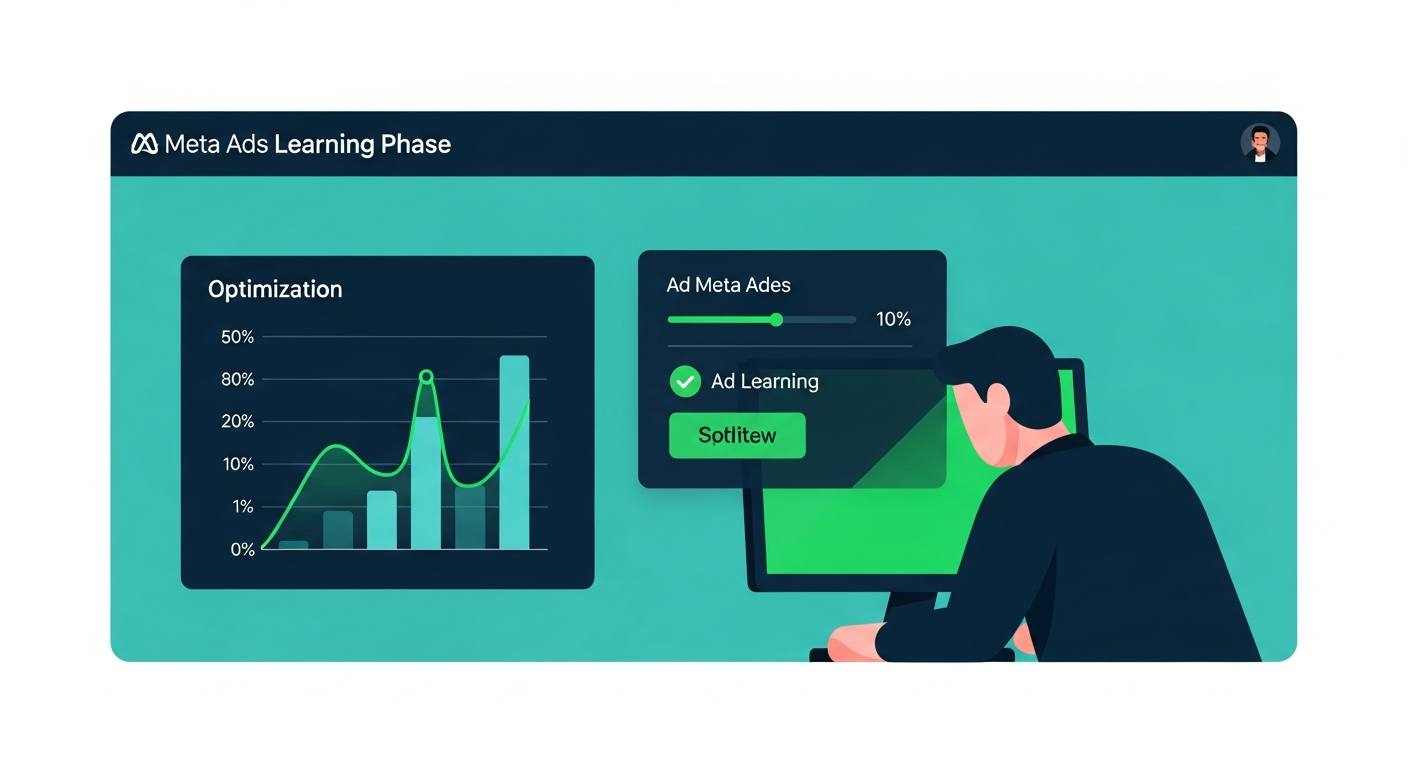
Your Meta ads are live. The creative looks solid. The audience is dialed in. But instead of results, you’re staring at two words in your Ads Manager: “In Learning.”
A week later, it flips to “Learning Limited.” Your CPA spikes. You panic. You start tweaking — budget, creative, audience. And just like that, you’ve reset the clock and made everything worse.
This is the most expensive mistake ecommerce brands make on Meta. And it’s almost entirely avoidable once you understand how the learning phase actually works.
Let’s break it down — no fluff, no theory. Just what you need to know to get through it faster and stop torching budget in the process.
What Is the Meta Ads Learning Phase? (Plain English)
The Meta ads learning phase is the period during which Meta’s algorithm is gathering data about your ad set to understand who is most likely to convert. It’s not lazy — it’s genuinely running experiments, testing different users, placements, times of day, and device types to figure out where your ad performs best.
The threshold is 50 optimization events within a 7-day window. That’s the number Meta needs before it can confidently start delivering your ads to the right people consistently.
Until you hit that 50-event mark, delivery is less predictable. CPAs run higher. ROAS looks weak. The algorithm hasn’t locked in yet — so it’s still guessing.
This is normal. The learning phase isn’t a punishment. It’s a process. The problem is when brands treat it like a problem and start making edits that restart the whole thing.
What counts as an “optimization event”? Whatever you’ve told Meta to optimize for — typically purchases, add-to-carts, or initiate checkouts for ecommerce brands. Each time someone completes that action after seeing your ad, it counts as one event toward your 50.
How Long Does the Learning Phase Last?
Theoretically, the learning phase ends the moment your ad set hits 50 optimization events. In a healthy account with adequate budget, that can happen in 3–5 days.
But for most ecommerce brands — especially those running on tighter budgets or targeting niche audiences — it takes the full 7 days. And sometimes it never exits at all.
Here’s the key variable: budget relative to your cost per optimization event. If your average purchase costs $40 and you need 50 purchases in 7 days, you need to be spending at least $2,000/week ($285/day) just for that one ad set to exit learning. Many brands are running $50/day across multiple ad sets and wondering why nothing stabilizes.
The 7-day window resets every time you make a significant edit. So even if you’re on day 6 with 40 events, one wrong move sends you back to zero.
What “Learning Limited” Actually Means (and Why It’s Killing Your ROAS)
“Learning Limited” is Meta’s way of telling you: we tried, but we can’t get enough data to optimize properly.
It appears when your ad set exits the learning phase without hitting 50 events — typically because the budget is too low, the audience is too narrow, or the optimization event is too far down the funnel.
This is where brands get stuck in a painful cycle:
- Budget is too low to hit 50 events → Learning Limited
- Results are weak because the algorithm can’t optimize → Brand lowers budget further or kills the ad set
- New ad set launches → Learning phase starts over
- Rinse, repeat, burn money
Learning Limited doesn’t mean your ads are broken — it means Meta doesn’t have enough signal to make them work. The fix is structural, not creative. And the worst thing you can do is launch more ad sets, which just splits your budget further and makes the data problem worse.
Common causes of Learning Limited:
- Daily budget too low (can’t hit 50 events at your current CPA)
- Audience too small or too narrow
- Optimizing for a high-friction event (e.g., purchase on a cold audience with a high AOV)
- Too many active ad sets splitting the same budget
The #1 Mistake Ecommerce Brands Make During the Learning Phase
Editing too fast. Every time you make a significant change to an active ad set, Meta resets the learning phase completely.
What triggers a reset:
- Budget changes greater than 20%
- Bid strategy changes
- Audience edits (adding or removing segments, changing location targeting)
- Creative swaps — adding new ads, pausing existing ones, or changing the primary creative
- Changing the optimization event
- Changing ad scheduling
Here’s the painful math: if you’re on day 5 with 35 events and you swap in a new creative because you’re impatient, you’re back to day 1 with 0 events. You’ve just wasted 5 days of spend and you’ll never know if the original creative would have worked.
The discipline required during the learning phase is counterintuitive for most performance marketers. You’re trained to optimize constantly — but the learning phase demands patience. Set it up right, give it space, and only intervene if something is catastrophically off (think: $0 CPMs or zero link clicks).
Normal learning phase behavior includes:
- Higher-than-usual CPA (expect 20–40% above your target)
- Inconsistent day-to-day delivery
- ROAS below your goal
- Fluctuating CPMs
None of these are reasons to panic or edit. They’re symptoms of an algorithm still calibrating. Give it the full 7 days.
How to Exit the Learning Phase Faster: 6 Strategies
Patience alone isn’t a strategy. Here’s how to stack the deck in your favor so you exit learning faster and with better results.
1. Consolidate Your Ad Sets
The single highest-leverage move most brands can make. If you’re running 8 ad sets at $30/day each, consolidate down to 2–3 ad sets at $120/day each. You’re spending the same total budget — but each ad set now has enough data volume to exit learning.
More ad sets doesn’t mean more reach. It means more fragmented data, more learning phases running simultaneously, and a weaker algorithm across the board. Meta’s own recommendation is to limit active ad sets and let the algorithm do the work.
2. Set Your Budget to Hit 50 Events Per Week
This is the math most brands skip. Before you launch any ad set, calculate your minimum viable daily budget:
Minimum daily budget = (Target CPA × 50) ÷ 7
If your purchase CPA target is $30, you need at least $214/day per ad set just to exit learning. If you’re at $50/day, you’re not going to make it — and you’ll end up in Learning Limited.
If you can’t afford the minimum at the purchase level, consider optimizing for a higher-volume event (add-to-cart, initiate checkout) while you build up budget.
3. Use Broader Audiences
Narrow audiences cap the number of people Meta can serve your ad to — which caps your event volume. For learning phase purposes, broader is better.
Interest-stacking and hyperspecific layering might feel precise, but they limit Meta’s ability to find converters outside your assumptions. Especially for ecommerce brands in fashion and health/wellness, Meta’s algorithm has seen enough purchase signals to find buyers without you holding its hand.
Test with broad audiences (lookalikes at 5–10%, or no interest targeting at all) and let the algorithm optimize. You may be surprised how well it performs without tight restrictions.
4. Stop Editing Active Campaigns
This deserves its own strategy point because it’s that important. During the learning phase: hands off.
Schedule a weekly review instead of daily. Set a rule: no edits unless spend exceeds $X with zero results. Define that threshold before you launch so you’re not making emotional decisions mid-learning.
If you need to test new creatives, do it in a separate campaign — not in the ad set that’s currently learning. Protect your learning ad sets like they’re in quarantine.
5. Implement Meta CAPI for Better Signal
Meta’s Conversions API (CAPI) sends server-side conversion data directly to Meta, bypassing browser-based tracking limitations (iOS privacy changes, ad blockers, browser restrictions). Better signal = more optimization events Meta can see = faster exit from learning.
If you’re still relying solely on the Meta Pixel and haven’t implemented CAPI, you’re likely underreporting conversions — which means your ad sets look like they have fewer events than they actually do. This directly extends your time in the learning phase.
CAPI implementation significantly improves event match quality scores and helps Meta’s algorithm learn faster. It’s not optional anymore — it’s table stakes for any ecommerce brand spending seriously on Meta.
6. Choose the Right Optimization Event
If your product has a high AOV or your conversion rate is low, optimizing for purchases may mean you never hit 50 events per week. In that case, move up the funnel.
Hierarchy of optimization events for ecommerce:
- Purchase — ideal, but requires sufficient volume
- Initiate Checkout — good proxy if purchase volume is low
- Add to Cart — higher volume, works during scale-up phases
- View Content — top of funnel, only if everything else is too low volume
Start with the deepest event you can hit 50 of per week. As your account scales and event volume increases, gradually move to lower-funnel events for better optimization quality.
Learning Phase in Advantage+ Campaigns: What’s Different
If you’re running Advantage+ Shopping Campaigns (ASC), the learning phase works differently — and most brands don’t realize this.
In standard campaigns, the learning phase is at the ad set level. Each ad set learns independently.
In Advantage+ campaigns, Meta optimizes across the entire campaign — not individual ad sets. The algorithm has more flexibility to allocate budget dynamically, which means it can aggregate learning signals across creatives and audiences more efficiently.
The practical implication: Advantage+ campaigns often exit learning faster because they’re not constrained by ad-set-level data silos. Meta is looking at the whole picture and finding the best combinations across your entire creative library.
However, this also means less control. You can’t isolate variables as easily. If you need clean A/B data on a specific creative or audience, standard campaigns give you that precision. Advantage+ is better for maximizing volume at scale once you know what works.
The Andromeda algorithm update (Meta’s 2025–2026 major system overhaul) has further blurred the lines here — Meta is increasingly rewarding campaigns that give the algorithm more room to breathe. Tighter constraints = worse performance in the new system.
How to Know When the Learning Phase Is Done (and What to Do Next)
When your ad set successfully exits the learning phase, you’ll see the status change from “In Learning” to “Active” in Ads Manager. This is your green light.
At this point, the algorithm has calibrated. Delivery stabilizes. CPA should drop closer to your target. ROAS should improve. This is when the real optimization work begins.
What to do after exiting learning:
- Review your baseline metrics. The first 7 days post-learning are your true benchmark. CPA, ROAS, CTR — lock these in as your control numbers.
- Scale gradually. If you want to increase budget, do it in increments of 20% or less to avoid re-triggering the learning phase. Wait 3–5 days between increases to let delivery restabilize.
- Test new creatives in a separate campaign. Never test in your stable, active ad sets. Create a dedicated testing campaign where resets don’t affect your winners.
- Watch for re-entry into learning. Any significant edit will send you back. Treat your active, optimized ad sets as sacred — only edit when truly necessary.
When to kill vs. when to be patient:
Kill the ad set if: after a full 7-day learning phase, CPA is more than 3x your target with no downward trend. That’s a signal the creative-audience combination isn’t working — not that you need more time.
Be patient if: CPA is 1.5–2x your target and trending down day over day. That’s normal learning phase behavior. Give it the full window before making a call.
Be very patient if: you’re in week 1 and ROAS looks terrible but event volume is building. The algorithm is still calibrating. One bad day doesn’t mean the campaign is broken.
Stop Fighting the Algorithm — Start Working With It
The brands that consistently win on Meta aren’t the ones making the most edits — they’re the ones who’ve learned to set campaigns up correctly from the start and then get out of the way.
The learning phase isn’t your enemy. Impatience is.
Consolidate your ad sets. Fund them properly. Use CAPI. Stop editing. Give Meta the data it needs to find your buyers.
If you’ve been stuck in Learning Limited for weeks, constantly resetting, or watching your ROAS tank with no clear path forward — this is a structural problem, not a creative problem. And it’s exactly the kind of thing we fix for ecommerce brands every day at Dash Activate Online.
Ready to stop guessing and start scaling? Book a free strategy call with our team and we’ll audit your account structure, identify exactly what’s keeping you stuck in the learning phase, and map out a clear path to stable, scalable Meta ad performance.
Related reading:
- Meta Ads Creative Testing Framework for Ecommerce — how to test without destroying your learning phase
- Work with Dash Activate Online — Meta Ads management for growing ecommerce brands